Creating tasks
This page walks through how you can create annotation tasks
To create tasks you must have the Reviewer or Admin role. For more information about access and permissions, see Roles and user permissions.
How to create tasks
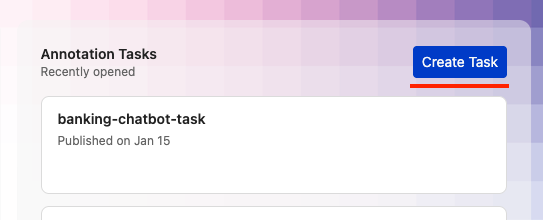
There are two locations from which you can create annotation tasks. On the home page, by clicking the create task button in the recently accessed tasks panel:
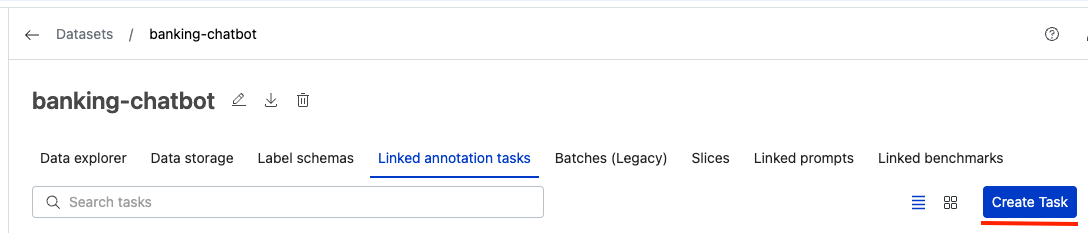
or by clicking the create task button on the Linked annotation tasks tab of a specific dataset:
From either location, clicking the button will open a modal to create a new task.
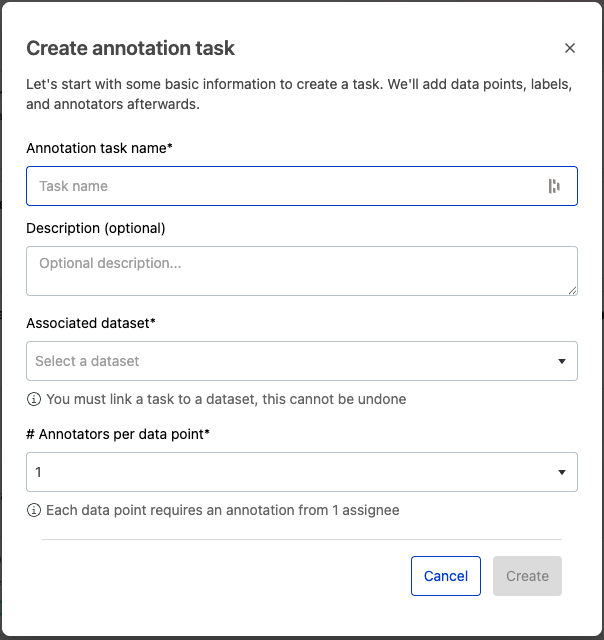
Within this modal you must enter a name for your task, as well as select an associated dataset from the dropdown. You may optionally enter a description for your task, and change the number of required annotators per data point from the default of 1.
When you are done, click Create to create your task and navigate to the task management page, where you can manage your newly created task.